
Download EJay HipHop 6 – hip-hop music production, beat making, music creation software, beginner-friendly, music samples, customizable beats
Overview
EJay HipHop 6 is a dedicated music creation tool designed for individuals interested in producing hip-hop tracks. The software serves as a gateway for aspiring music producers and enthusiasts who wish to explore beat making without the complexity of professional-grade digital audio workstations. By focusing exclusively on the hip-hop genre, EJay HipHop 6 streamlines the creative process, offering a curated set of tools and samples tailored to the rhythmic and sonic characteristics of the genre. It addresses the common challenge of entry barriers in music production by providing an intuitive interface that simplifies navigation and workflow. This makes it particularly suitable for beginners who may lack formal training in audio engineering or music theory.
The app’s real-world use cases include creating demo tracks, experimenting with rhythm patterns, developing original beats for rappers or vocalists, and practicing composition techniques. It also supports casual users who want to explore music-making as a creative hobby. Although the developer did not provide additional background information on EJay, the software’s longevity since its release in 2006 suggests a stable presence in the niche market of beginner-oriented music production tools. Within the broader app ecosystem, EJay HipHop 6 occupies a unique position as a lightweight, genre-specific solution that complements more complex software while remaining accessible to a wider audience.
Key Features & Functionality
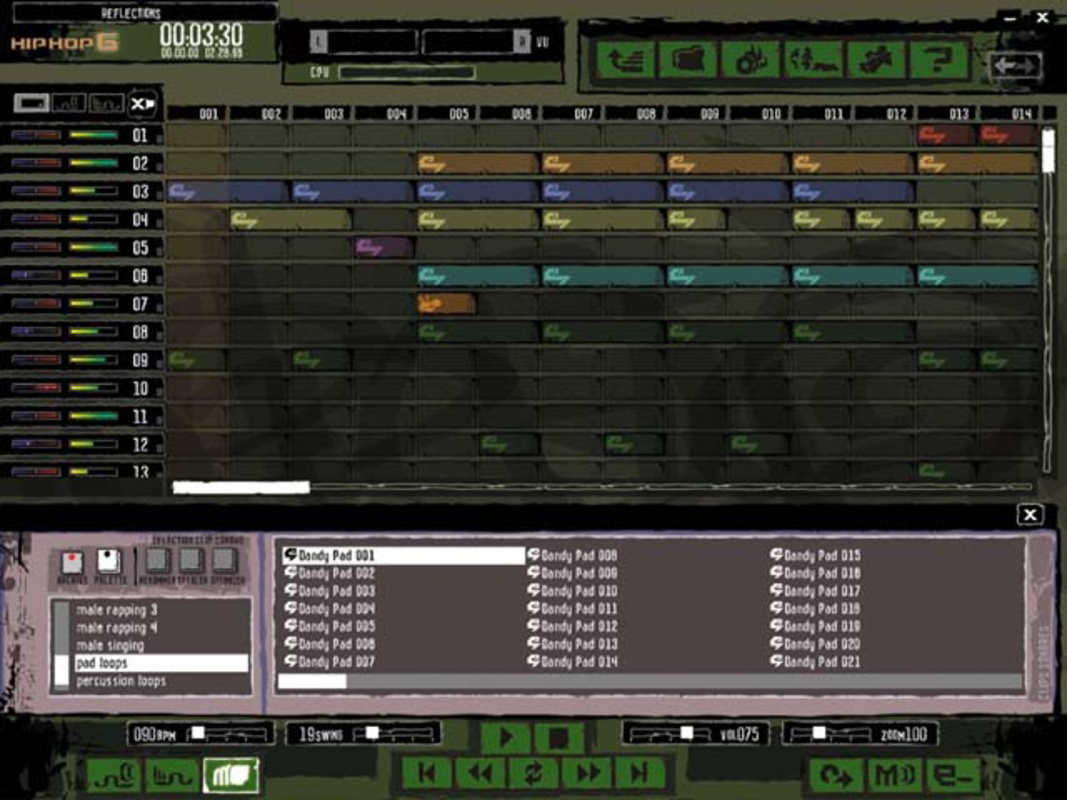
- Simple Music Creation: The interface is designed with a clean layout that prioritizes accessibility. Users can start creating tracks immediately without extensive setup, making it ideal for quick brainstorming sessions or on-the-go inspiration.
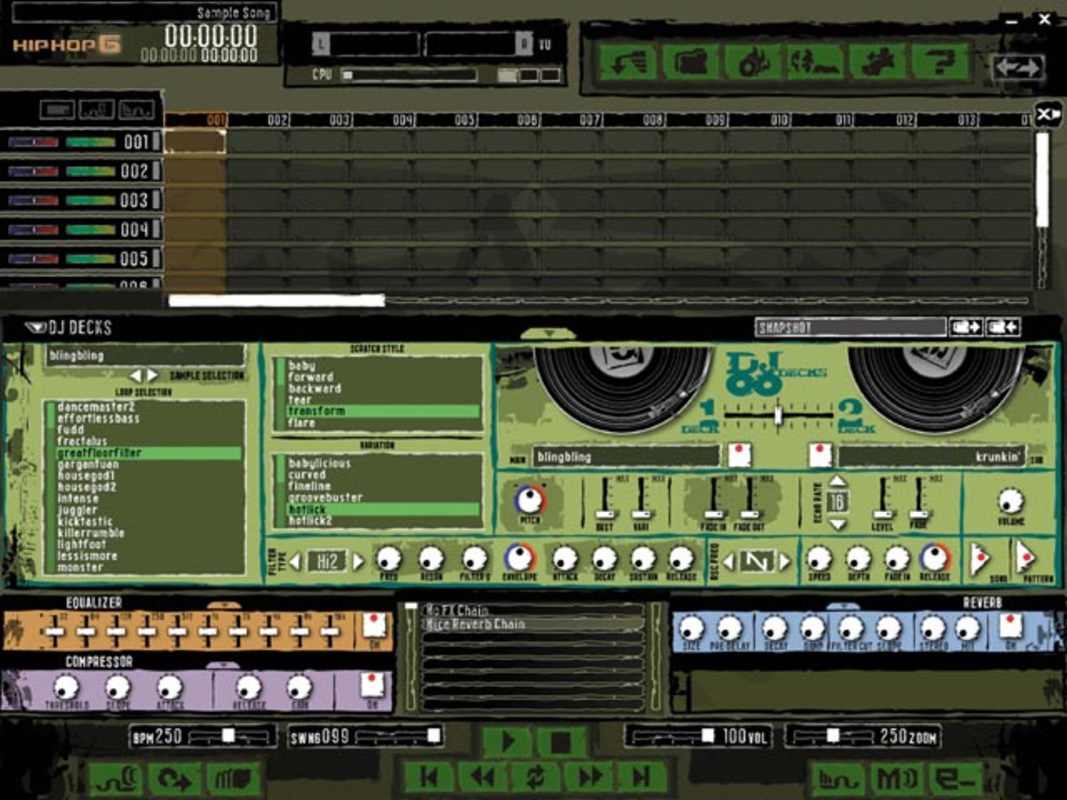
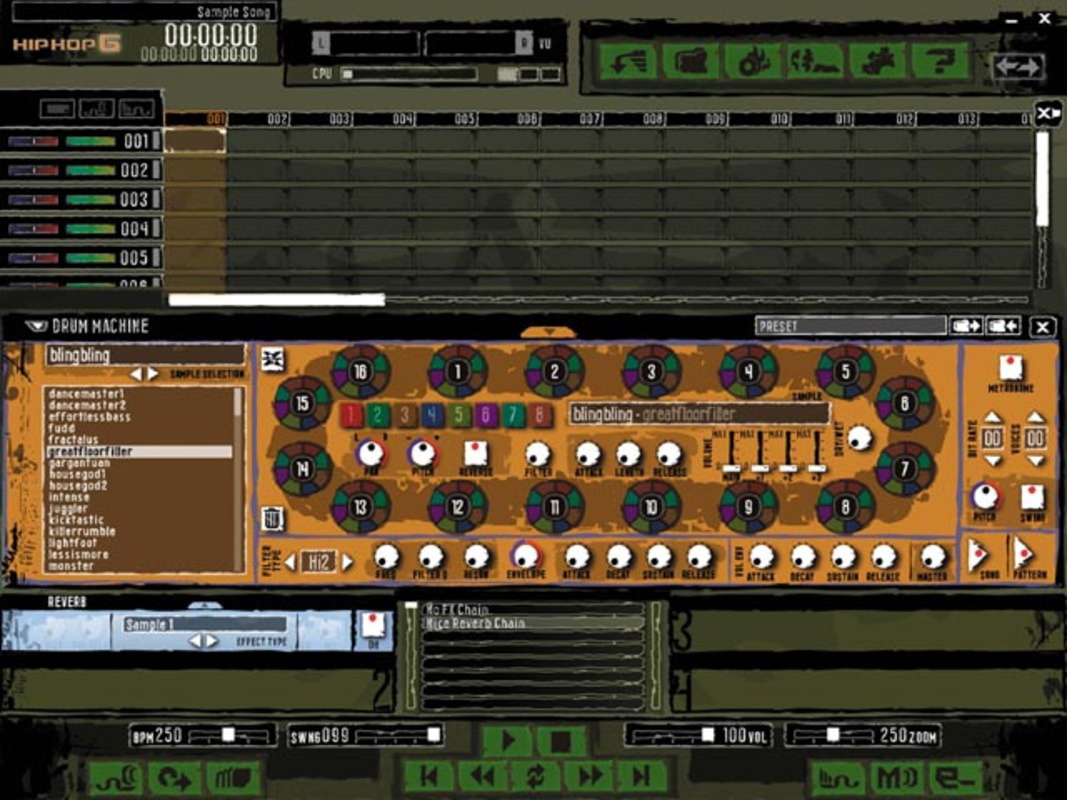
- Variety of Samples: A diverse library of hip-hop samples is included, covering drums, basslines, hi-hats, and melodic loops. These can be arranged and layered to form full compositions, enabling users to explore different subgenres such as boom-bap, trap, or lo-fi hip-hop.
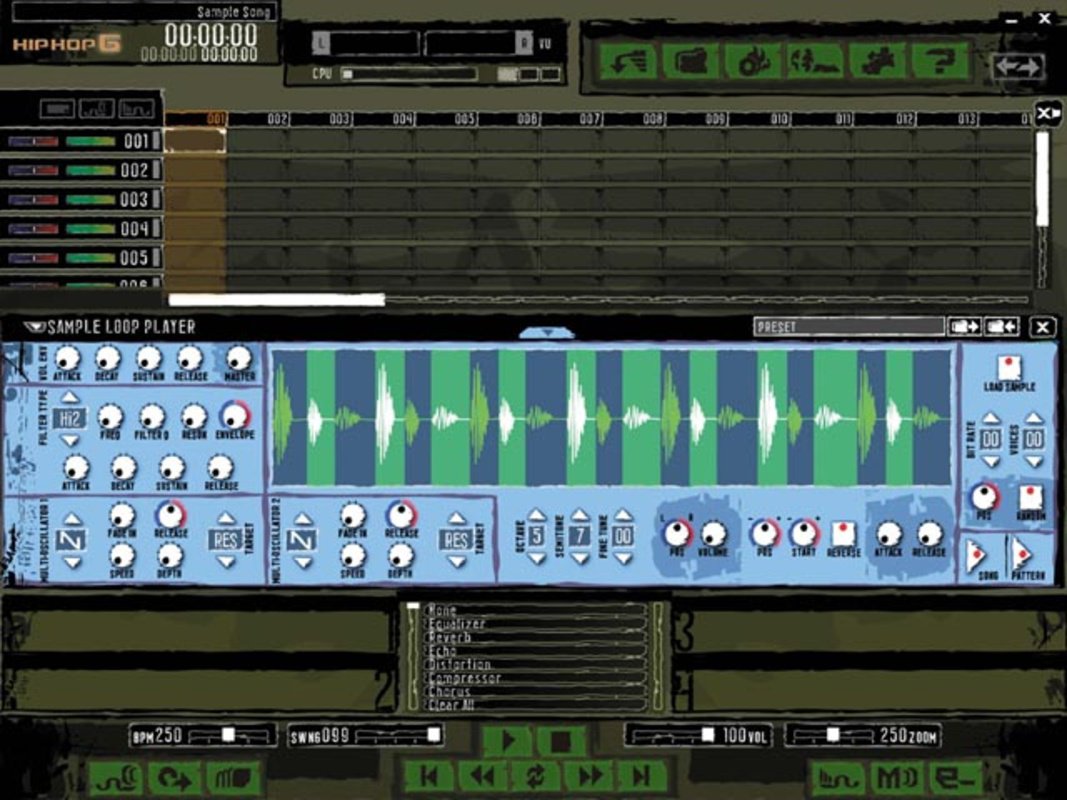
- Customizable Sound Options: Users can import and integrate their own audio files, allowing for personalized sound design. This feature supports creative expression by letting producers incorporate unique vocal snippets, instrument recordings, or ambient effects.
- Genre-Focused Design: Every tool and sample set is optimized for hip-hop production, ensuring relevance and efficiency. This targeted approach reduces clutter and helps users focus on the elements that define the genre.
- Beginner-Friendly Workflow: The software minimizes technical jargon and complex settings, enabling new users to produce professional-sounding tracks from the first session. It serves as a foundational tool for learning rhythm, timing, and structure in music.
For example, a novice producer could use the sample library to build a beat in under ten minutes, then adjust tempo and volume levels to refine the track. Similarly, an independent artist might use the software to create a backing track for a vocal performance, leveraging the customizable options to match their artistic vision.
Interface, UX & Performance
The user interface of EJay HipHop 6 reflects a minimalist design philosophy, with clearly labeled controls and a logical arrangement of tools. Navigation is based on a grid-style layout where samples and loops are displayed in visual blocks, allowing for drag-and-drop functionality. This approach enhances usability, especially for users unfamiliar with traditional music production software. The visual style is functional rather than flashy, focusing on clarity and immediate access to core features.
Although the developer did not list formal performance metrics, the software’s file size of 18.9 MB suggests a lightweight footprint, which typically translates to efficient memory usage and fast load times. It is expected to run smoothly on older Windows systems, given its release date and low resource demands. Responsiveness appears consistent across basic hardware configurations, though performance on modern devices may vary due to compatibility limitations. Stability is presumed to be reliable based on its long-standing presence, though no recent updates have been reported. Users should expect a consistent experience with minimal crashes or lag during routine use.
Platform Compatibility & Technical Requirements
EJay HipHop 6 is available exclusively for the Windows platform. The software requires a Windows operating system, though specific version requirements were not listed by the developer. Given its release date in 2006, it is likely compatible with older versions of Windows such as XP, Vista, and 7. However, support for newer systems like Windows 10 or 11 is uncertain and not confirmed. The application size is 18.9 MB, indicating a compact installation that does not require significant storage space.
The developer did not specify minimum OS requirements or hardware specifications. As such, users are advised to test compatibility on their systems before installation. While the software may function on modern machines through compatibility modes, this is not guaranteed. No information was provided regarding updates, patches, or future development plans.
Pros and Cons
- Lightweight and fast-loading application
- Intuitive interface suitable for beginners
- Curated hip-hop sample library
- Supports user-imported audio for customization
- Focus on genre-specific tools reduces clutter
- Outdated release date raises compatibility concerns
- No official support for modern Windows versions
- Limited to Windows platform
- No recent updates or developer communication
- File size suggests minimal advanced features
FAQ
Is EJay HipHop 6 compatible with Windows 10 or 11?
The developer did not provide official compatibility details for Windows 10 or 11. While the software may run using compatibility mode, this is not guaranteed and not supported.
Can I use my own sounds in EJay HipHop 6?
Yes, the software allows users to import and integrate custom audio files, enabling personalization of beats and tracks.
Is EJay HipHop 6 free to download?
No, the app is available for purchase at $19.99. There is no free version or trial period mentioned in the provided information.
What kind of music samples are included?
The software includes a variety of hip-hop samples such as drum patterns, basslines, hi-hats, and melodic loops, designed to support different subgenres within the genre.
Does EJay HipHop 6 receive regular updates?
No information was provided about update frequency. The software was released in 2006, and no recent updates have been reported.
Final Thoughts
EJay HipHop 6 remains a notable tool for those seeking a straightforward, genre-specific approach to beat making. Its beginner-friendly design, combined with a curated library of hip-hop samples, makes it a practical choice for newcomers to music production. While its age and lack of modern support present challenges, its lightweight nature and focused functionality still offer value to users on older systems or those exploring music creation without high technical demands. For hobbyists, educators, or artists seeking a no-frills environment to experiment with hip-hop rhythms, this software provides a functional and accessible starting point. Despite its limitations, it continues to serve a niche audience looking for a reliable, low-barrier entry into music production.
Download EJay HipHop 6 now


